
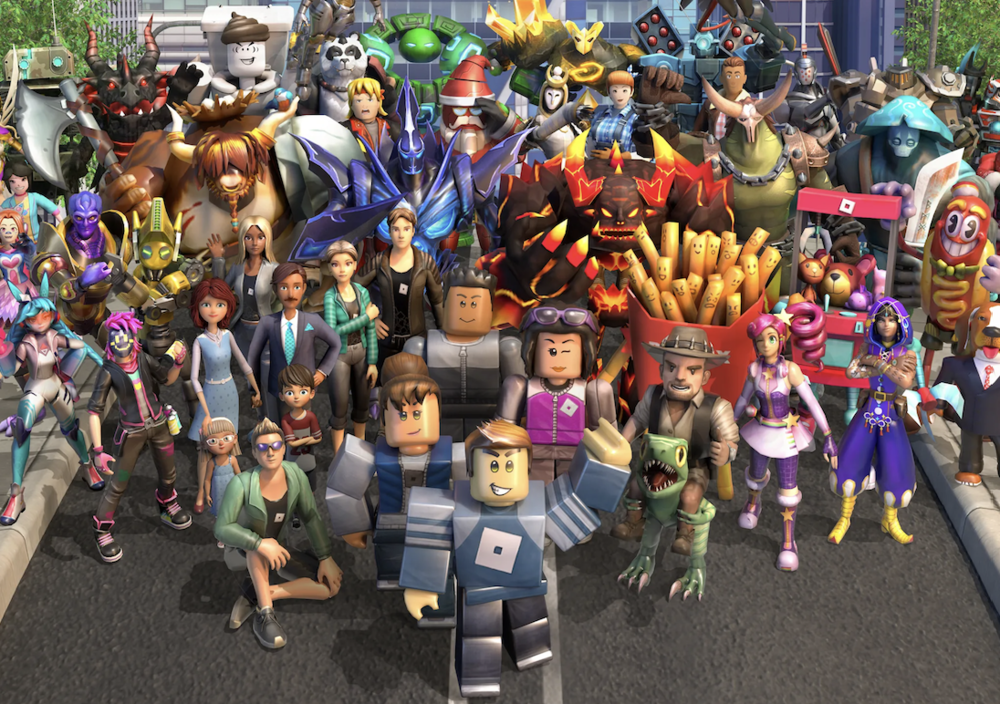
Roblox is fun for kids, but it has real dangers. Parents need to know the risks and take simple steps to help keep their children safe.
What Is Roblox?
Roblox is a popular online game where kids can play, chat, and create their own games. Over 80 million people use Roblox every day, and about 40% of them are under 13 years old. While Roblox can be a great place to learn and have fun, it also has risks that every parent should know about.
Why Should Parents Be Concerned?
Recent news shows that some children have been hurt by strangers they met on Roblox. In 2025, at least six children in the U.S. were harmed after meeting adults on the platform. Some were even kidnapped or asked to send inappropriate photos. These dangers are real and can happen to any child.
Key Safety Concerns for Parents
1. Online Predators
Some adults pretend to be kids to trick children.
They may ask for personal information or photos.
In 2025, a 10-year-old girl in California was kidnapped after meeting a man on Roblox.
Predators often try to move children to other apps like Discord, where it is harder for parents and Roblox to watch what is happening.
2. Inappropriate Content
Some games on Roblox show violence, sexual themes, or even cult-like messages.
Children may see things that are not meant for their age, like war scenes or scary stories.
3. Unmonitored Chats
Not all chats are watched closely.
Predators can use chat to talk to children and then ask them to move to other apps.
Some children have been tricked into sharing private information or images.
4. Financial Risks
Predators may offer in-game money (Robux) or gift cards to get children to do things they should not.
Children can also be tricked into spending real money or giving away personal details.
5. Weak Age Verification
Adults can sometimes pretend to be children, and children can pretend to be older.
This makes it hard to know who your child is really talking to.
What Parents Can Do
1. Use Parental Controls
Set up your own Roblox account and link it to your child’s.
Limit who can chat with your child (friends only or no one).
Block games that are not age-appropriate.
Turn off or limit in-game purchases.
Set screen time limits.
2. Monitor Your Child’s Activity
Play Roblox with your child to see what they are doing.
Check which games they play and who they talk to.
Review their friend list and chat history often.
3. Talk to Your Child
Teach your child not to share personal information or photos online.
Explain that not everyone online is who they say they are.
Remind them to tell you if someone makes them feel uncomfortable or asks them to move to another app.
Let them know it is always okay to come to you for help.
4. Stay Informed
Keep up with Roblox’s latest safety features and updates.
Visit trusted websites like Common Sense Media or the National Center for Missing and Exploited Children for more tips.